
Pacific Timesheet SaaS Data Integration Enhancements
Enhanced integration tools fully automate integrations with Pacific Timesheet
Pacific Timesheet SaaS is now the leading web-based time tracking system when it comes to parity with on-premise software data integration capabilities...
The Case For Automating Manual Time Tracking
The benefits might be great, but they are not obvious
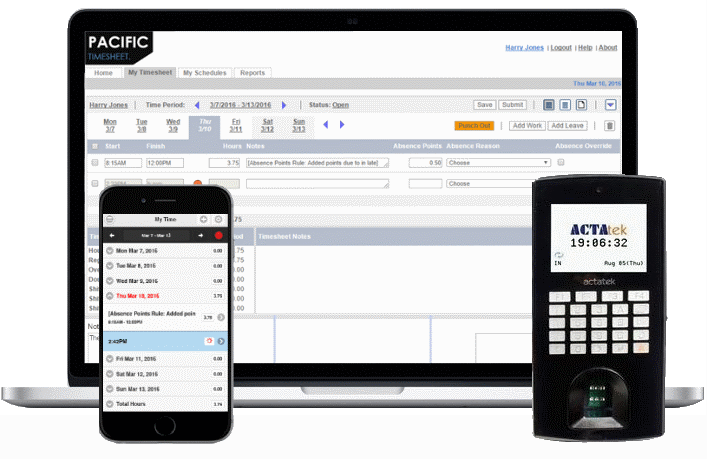
In business there's probably not much more important than the time it takes to complete a task. Tracking employee time has a long history. Check the history of time clocks in Wikipedia, you'll learn that the founding companies of IBM made the first mechanical punch time clocks, and how more sophisticated devices like proximity, badge swipe or biometric time clocks later came into use. What it does not tell you is how slow the marketplace has been to adopt new technology in time tracking. Why? Because what's tried, true and proven is difficult to replace from the standpoint of 1) cost 2) risk and 3) inertia.
Keeping Your Data Safe
Pacific Timesheet software features that help you secure your data
Your Pacific Timesheet software contains sensitive data, such as employee hours and pay rates, project bill rates, etc. The following tips will help you reduce the risk of unauthorized access to this sensitive data:
1. Know your password security options
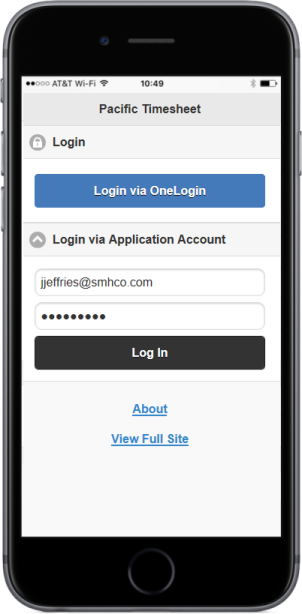
Password security is among the most important aspects of keeping your system secure. Pacific Timesheet software helps enforce best practices by making sure your employees have sufficiently complex passwords, and that they change them on a regular basis. Password security options include:
- Old passwords are expired
- Passwords must be of a minimum length
- Passwords must contain upper or lower case letters
- Passwords must contain numbers
- Passwords must contain special characters such as !, #, etc.
- Employee is locked out after too many invalid failed attempts
There are more options, which you can review on the System > Security page. Also note that login (both successful and failed) are recorded in the audit log, including the IP address of remote computer. You can review the audit and login logs on the Reports page.